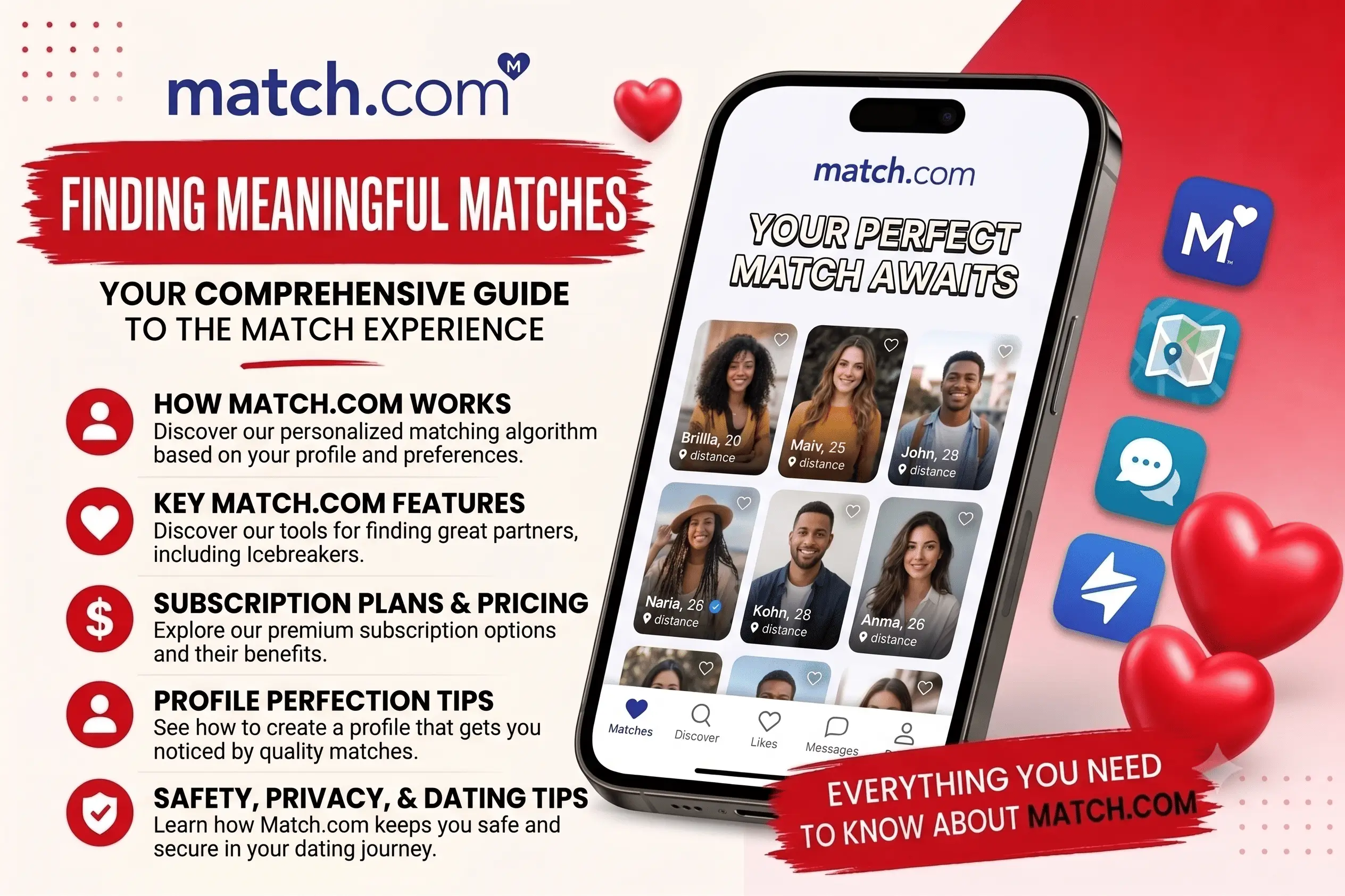
Most modern dating apps have turned finding a partner into a digital game of quick reactions. You sit on your couch, swipe through hundreds of local faces based on a split-second physical reaction, and hope for a match. It is fast, cheap, and for most people looking for a real commitment, incredibly exhausting.
If you have hit swipe fatigue, you have likely run into Match.com. As one of the longest-running platforms in the online matchmaking space, it relies on detailed user profiles and robust search filters rather than a simple location-based swiping wheel.
But before you sign up, share your card details, or complete the Match dating site login, you need to know what you are actually getting into. The platform does not operate like a standard free dating app. It heavily restricts communication behind a strict paywall, utilizes a structured membership model, and charges separately for premium features. This comprehensive review breaks down how does Match work in 2026, the true costs of premium tiers, common user complaints, and how to safely close your account.
The Facts in Brief
- Best For. Singles seeking committed, long-term relationships who prefer active searching over rapid, location-based swiping.
- The Format. A comprehensive, searchable database of detailed user profiles alongside curated daily match recommendations.
- Monetization. Multi-tier subscription levels billed as upfront lump-sum packages, supplemented by optional paid add-ons.
- Safety Features. Profile photo verification badges, secure anonymous calling options, and active anti-scam monitoring.
- Accessibility. Available as a fully optimized mobile app for iOS and Android, alongside a robust desktop browser portal.
What is Match and How Does It Work?
To understand what is Match, you have to look at its focus on profile depth. While other apps let you get by with a couple of selfies and a blank bio, this platform encourages users to fill out detailed parameters regarding their career, lifestyle, family goals, and personal values.
The system rejects the pure swiping model. It is designed for deliberate searching and filtered matchmaking, serving as an active directory of singles who are willing to invest time and money into finding a relationship.
When you set up your profile, you can filter the database using specific search criteria like age, relationship intent, religion, and family plans. The platform also features a dedicated Senior Match filter layout, making it highly popular for older singles who want a straightforward, desktop-accessible dating experience.
Further reading: eHarmony Review 2026: Costs, Algorithm Secrets, and Cancellation Traps
Match Algorithm: How Search Feeds are Generated
Unlike simple location-proximity apps, Match uses a dynamic behavioral matching engine. The profiles you see in your discover tab and daily feeds are not random. The system compiles your search parameters, profile text, and active usage habits to determine who appears in your catalog.
Understanding Dwell Time and Click Patterns
The backend system monitors your activity from the moment you log in. It tracks:
- Dwell Time. The exact number of seconds you spend looking at a specific user’s gallery or reading their bio before moving on.
- Click-Through Rate. Which types of profile cards you actively click to expand versus those you skip in the summary feed.
- Messaging History. The demographic traits, interests, and keyword patterns found in the profiles of people you actually write to.
If you spend several minutes reading profiles of users with specific lifestyle traits, the matching engine logs those parameters. Over the next 48 hours, it will automatically prioritize similar profiles in your daily recommended list.
How to Reset Your Preference Feed
If your daily match recommendations become cluttered with inactive accounts or profiles from outside your preferred target area, your algorithmic data has likely become corrupted by random browsing.
To resolve this, you can force a manual reset of your match queue. Open your primary preference filters, temporarily reduce your maximum search radius by 10 miles, adjust your target age range down by two years, and save the settings. This minor adjustment forces the servers to clear your local browsing cache and rebuild your active recommended stack from scratch.
Free vs. Paid: Can You Use Match Without Paying?
A common question among new users is: is Match free? While you can execute a Match dating free search to view local profiles, you cannot have a real conversation without a paid subscription.
What You Can Do with a Free Account
- Create a profile, upload photos, and write a detailed bio.
- Search the local directory using basic location and age filters.
- Send unlimited likes to profiles that catch your eye.
- Exchange messages exclusively with your mutual "Top Picks" matches.
If you want to reach out to someone who has not matched with you yet, you must upgrade. Free accounts cannot read custom incoming messages or send messages to general search results. Additionally, seeing who has viewed your profile page or liked your card is completely restricted to paying members.
Match.com Pricing: The Real Cost in 2026
Depending on whether you complete your registration through a desktop web browser or the mobile app, Match.com displays its subscription matrix in one of two formats: the classic Standard vs. Premium plans, or the newer tiered Bronze, Silver, Platinum, and Diamond system.
Regardless of the labels shown on your screen, the financial reality remains the same. The table below outlines the true, unpromoted retail pricing structures for 2026.
| Subscription Tier (Web / App) | 3-Month Contract | 6-Month Contract | 12-Month Contract | Included Core Features |
| Standard / Bronze | $31.99 / mo | $22.99 / mo | $18.99 / mo | Unlimited messaging, send unlimited likes, unlimited rewinds. (Note: Bronze is app-only and excludes seeing who liked you). |
| Premium / Silver | $34.99 / mo | $24.99 / mo | $19.99 / mo | Standard features, see who liked and viewed your profile, daily highlights, and one free Intro message per day. |
| Platinum | $39.99 / mo | $29.99 / mo | $19.99 / mo | Silver features, plus unlimited Intros, message read receipts, one monthly Profile Boost, and weekly Super Likes. |
| Diamond | $49.99 / mo | $39.99 / mo | $29.99 / mo | All Platinum features, plus anti-ghosting tools, weekly auto-boosts, priority like placement, and 3 weekly Super Likes. |
The Lump-Sum Billing Rule. The platform displays subscription prices as a monthly rate, but they charge your card as a single, upfront lump sum at checkout. If you select a 6-month Silver plan, your card will be charged the full amount immediately. All packages are set to auto-renew by default. Once your contract ends, the system will automatically bill you for an identical term at full retail rates unless you manually disable the auto-renew setting.
Paid Add-Ons and Virtual Upgrades
Beyond the main subscriptions, the platform offers several standalone features that can be purchased as monthly add-ons:
- Private Mode. This allows you to browse the directory anonymously. Your profile card is completely hidden from the public search grid and is only visible to people you choose to message or like ($9.99/month).
- MatchPhone. This feature generates a secure, custom forwarding phone number, allowing you to text or call matches directly from your phone without sharing your real contact details ($3.33/month).
- Reply for Free. If you purchase this add-on, any free member who views your profile can read and reply to your messages without having to buy a subscription themselves ($9.99/month). This significantly increases your response rates.
- Profile Boosts. Pushes your profile card to the top of local search results for 60 consecutive minutes. Individual Boosts can be purchased in bundles ranging from $3.00 to $4.99 each depending on the package size.
How to Get Match Discounts and Free Trials
Because the standard retail pricing is steep, you should never pay full price when signing up. The company frequently uses retention promotions to lower the barrier to entry.
The platform utilizes automated email marketing sequences to target users who hesitate at checkout. If you want to secure a major discount on a multi-month plan, follow this timeline:
1.Register a free profile. Create a basic free account, fill out your profile details, and upload a verified photo. Do not enter any billing information.
2.Interact with free tools. For the next three days, log in daily, run basic directory searches, and send likes to local profiles to signal active intent to the algorithm.
3.Simulate checkout abandonment. On the fifth day, go to the subscription page, select a 6-month plan, proceed to the credit card entry page, and close the browser tab without paying.
4.Check your inbox for discounts. Within 48 hours, the automated system will typically email you a personalized promotional link offering 50% to 75% off your selected subscription package.
While continuous 30-day free trials are rare, the platform periodically hosts "Free Communication Weekends" during major holidays (such as New Year's, Valentine's Day, or Labor Day). During these promotional periods, the messaging paywall is temporarily lowered, allowing free accounts to communicate with local members without entering a credit card.
Platform Comparison: Match vs. Other Dating Sites
Choosing the right dating service depends heavily on your age, lifestyle, and relationship goals. Here is how Match compares to its closest competitors in 2026.
Match vs. eHarmony
eHarmony utilizes a strict, closed matchmaking model powered by a mandatory 30-minute personality test. You cannot run manual database searches; you must rely on a small list of daily curated matches. Match, on the other hand, gives you complete search freedom alongside algorithm-driven recommendations. Choose eHarmony if you want the platform to handle the vetting for you; choose Match if you want to actively control your own search.
Match vs. SeniorMatch
SeniorMatch is a niche platform designed exclusively for singles over the age of 50. It filters out younger demographics entirely, which creates a highly focused environment for older daters. However, because it is a niche site, its overall user base is significantly smaller than Match's.
Match features a massive volume of users over 50, and its dedicated "Senior Match" filtering options allow older daters to access a much larger pool of local singles while still maintaining strict age filters.
Common Match Complaints and Safety Rules
Analyzing independent customer review boards highlights consistent patterns in user feedback and complaints. Knowing these issues in advance will save you time and money.
- Dealing with inactive and dead profiles. Because Match has been online for decades, its database contains many abandoned accounts that the system keeps in the general directory to maintain local volume. To avoid wasting time, check the activity indicator on every profile card before sending a message. Focus your energy exclusively on users who have an "Online Now" or "Active Within 24 Hours" status badge.
- The off-platform push. If a profile immediately asks to move the conversation to WhatsApp, Telegram, or personal email within the first three messages, treat the interaction with caution. Scammers do this to bypass the platform's security scanners.
- Financial red flags. Never send money, gift cards, or financial details to anyone you meet online, regardless of the emergency or story they share.
- Reverse photo search. If a profile looks too polished or professional, run a quick reverse image search on their primary photos to ensure the images are not stolen from an influencer's public social media account.
How to Cancel Your Subscription and Delete Your Account Safely
The single biggest source of billing disputes involves the platform's automatic renewal terms. Simply removing the mobile application from your phone screen will not stop your monthly charges or close your account. You must formally cancel your contract settings.
How to Turn Off Auto-Renewal
To stop future billing, you must follow the correct step based on how you paid.
1.Identify your payment source. Check your bank statement to find whether you were billed directly by Match.com or through a mobile marketplace.
2.Cancel via app store or Google Play. If billed through your phone, open your native smartphone subscription settings, find the app, select the option to unsubscribe, and confirm the cancellation.
3.Cancel direct billing on the website. If you paid by credit card or PayPal, log into the web interface, open your account settings, find the payment menu, and follow the direct prompts to turn off the auto-renewal feature.
4.Verify confirmation email. Check your inbox for an automated confirmation receipt from support verifying that your auto-renew status has been changed to inactive.
Deactivating vs. Permanent Deletion
Once your paid contract has expired and your account has returned to the basic free tier, you can choose what to do with your profile data.
- How to deactivate. If you want to take a temporary break but want to save your photos and conversations for later, go to your settings page and toggle your profile visibility status to Off. This hides your profile from all search feeds but keeps your data intact.
- How to delete your account. If you want a permanent exit, you must wait until your active premium contract officially expires. Once your profile is on the basic free tier, go to your settings dashboard, scroll to the bottom of the page, and click the link to delete your profile permanently. This action completely deletes your photos, matches, and message history from the active database.
Navigating Customer Support: The Billing Help Desk
If you hit a billing error, experience an account lock, or need to dispute an accidental renewal charge, getting in touch with support can be difficult.
Match does not maintain a public, toll-free customer service phone number for general billing support; any numbers found online are typically fraudulent third-party listings. To get help safely, you must use their official digital support channels:
- Desktop Live Chat. For quick billing adjustments, log into your help center window during regular business hours (Monday through Friday, 8:00 AM to 5:00 PM Central Time) to access the secure live chat terminal.
- The Ticket Help Desk. Go to the official Help Center page, click "Contact Us," and fill out the digital email form. To ensure a fast resolution, always include your registered email address, your account ID number, and the billing reference digits from your bank statement. Support agents typically reply to ticket inquiries via email within 24 to 48 hours.
Profile Writing and Photo Best Practices
Because the platform relies on detailed profile cards, your presentation needs to be highly polished to convert search views into real conversations.
Photo Gallery Rules
- The Hero Portrait. Your primary photo must be a clear, high-resolution headshot taken in natural outdoor lighting. Avoid heavy sunglasses, hats, or distracting background clutter.
- The Lifestyle Shots. Use your secondary photo slots to show your personality. Include an active shot of you engaging in a hobby (cooking, hiking, traveling), a candid photo in a social setting, and a full-length shot.
- What to Skip. Avoid gym selfies, bathroom mirror shots, group photos where it is hard to tell who you are, and heavily filtered photos.
Bio Writing: Specifics Over Generalities
Avoid generic, empty phrases like "I love to travel" or "I value family." Replace those statements with specific examples that paint a clear picture of your lifestyle.
- Weak Bio. "I am a reliable professional who loves reading, good food, and quiet evenings at home."
- Strong Bio. "I work in architectural restoration, which means my weeks are spent around blueprint drafts, but my weekends are dedicated to exploring local farmers' markets, slow-cooking authentic ramen from scratch, and photographing historic city facades."
By giving your matches specific hooks in your text, you make it incredibly easy for them to write a creative, personalized opening message.
Final Verdict: Is Match Worth It in 2026?
Match remains one of the most reliable and effective tools for singles looking for a committed, long-term relationship. The platform's comprehensive profile setups, detailed search parameters, and mature user demographic create an intentional community of daters who are serious about finding a partner.
However, if you are looking for a casual app to browse for free, the strict messaging paywall and multi-month subscription contracts make it a bad fit for your goals. The platform justifies its cost only if you are ready to invest both time and money into a dedicated relationship search.